Bring ALVAO Service Desk and Asset Management together in a Microsoft 365-aligned platform — one place for employees, full visibility for IT.
Run IT services and assets as one
Trusted by leading brands



Bring ALVAO Service Desk and Asset Management together in a Microsoft 365-aligned platform — one place for employees, full visibility for IT.
Trusted by leading brands
IT team to waste time hunting for basic information, leading to frustration and delays.
Data inconsistencies across user records, device names, and locations quickly lead to confusion and errors.
No trusted inventory tied to incidents, changes and approvals.
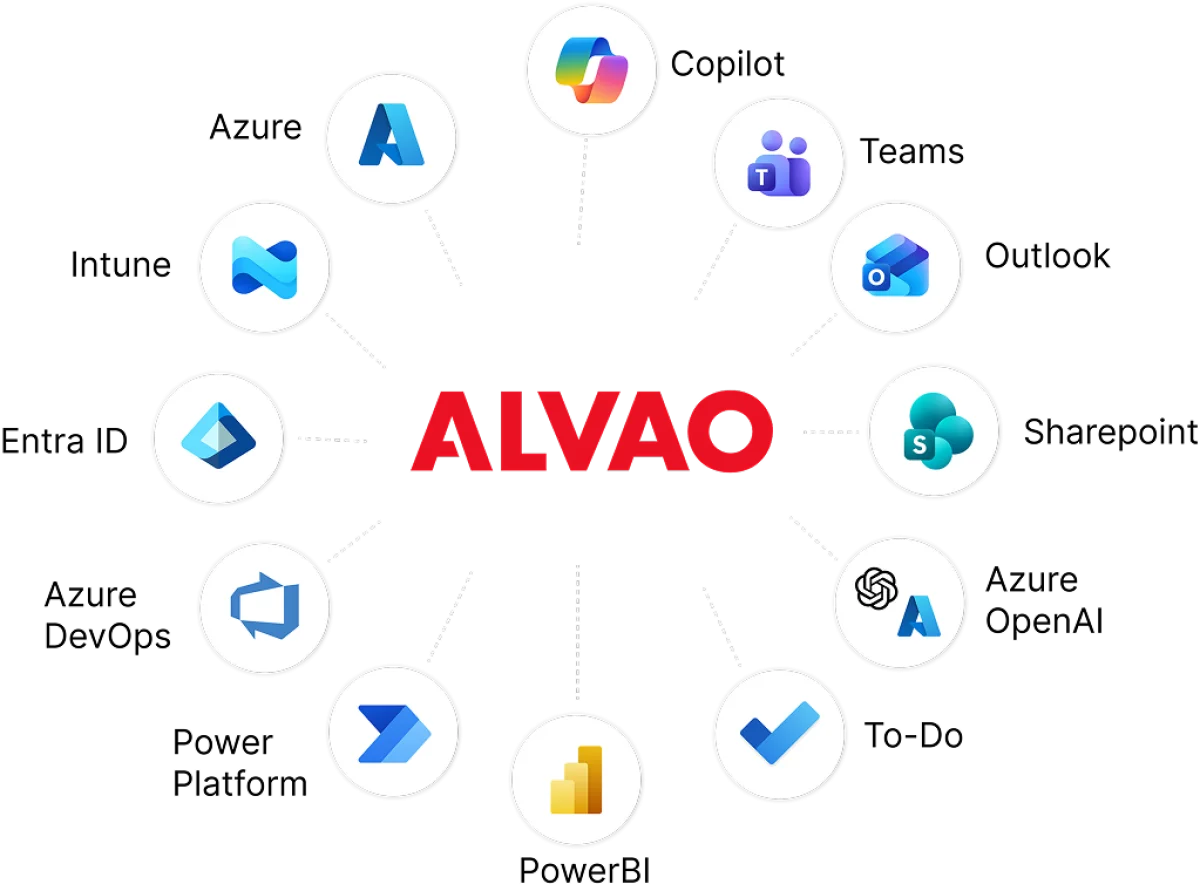
Designed to work naturally within your Microsoft ecosystem — including Outlook, Teams, and Azure AD — for instant familiarity and fast adoption.

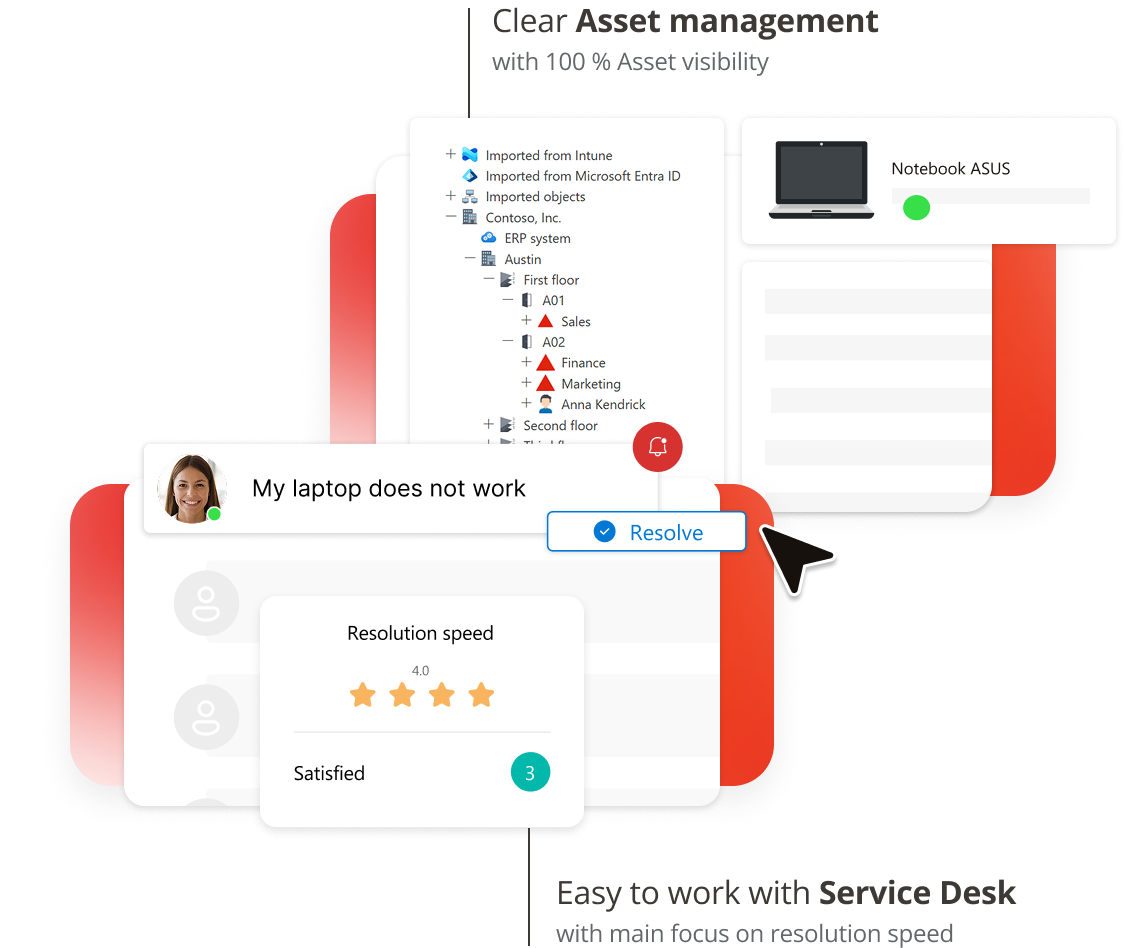
Manage all your IT processes, assets, and infrastructure from a single source of truth.

Built with security in mind — from access control to audit trails. ALVAO supports ISO 27001, NIS2, Cyber Essentials, DORA, HIPAA, and SOC2 requirements.
Incident, request, change, asset — structured the way IT actually works. You get consistency where it helps, and flexibility where you need it.
Start with IT. Then bring order to HR, Facilities, or Operations. The same clear structure. The same data reliability.


Get the full picture immediately with asset history and technical specs linked directly to every ticket.


Fix the root cause by identifying which hardware models or software versions are causing recurring failures.


Stop the manual data hunt with verified lifecycle trails and ownership records that are always ready for review.


Know where everything is and who owns it. Map dependencies between assets and services before you push a change.


Know exactly what a new hire needs and what a leaver must return handling gear and access in a single, automated flow.


Scale your support, not your headcount. Automate routine tasks and free your team to focus on projects that matter.


“Planning the IT budget is now 80% faster compared to using spreadsheets. I see exactly who has a five-year-old monitor and can plan replacements immediately."

“It’s been an incredible help in our daily operations. We know where everything is, who’s responsible for it, and at which branch it’s located."


“Because the look and feel of ALVAO is very Microsoft-themed, there was a lot of familiarity for our users, making it easier for them to get on board with minimal training."


“A big part of our ISO certification was to have a proper asset management system, and following that, change management. We were lacking change management processes. ALVAO gave us the ability to implement proper change management that met the ISO requirements, but also the needs of Sapio."


“They know that when they submit a ticket, it’s not going into a black hole; it’s actually being worked on."

“I like that ALVAO has become our central system for managing service requests and tracking all our assets. Everything is easy to find.”

ALVAO ITAM & ALVAO ITSM
 Self-service that actually works for users
Self-service portal with clear service catalogue and forms available on web and Teams, always in control.
 Smart routing. Right team. Right priority.
Incidents and requests automatically categorised, prioritised and routed. SLAs met. Real-time updates keep users informed. Feedback drives improvements.
 Fewer repeat tickets. Better answers.
AI Knowledge base articles suggested to users and agents. Fewer repeat tickets.
 Know your numbers. Prove your value.
ALVAO gives you clear, reliable data about what IT actually delivers — response times, workloads, recurring issues, and real impact.
ALVAO ITAM & ALVAO ITSM
See everything you own from start to finish
You have a clear view of every device, license, and service — from purchase to retirement.
Asset data that stays accurate
Your asset data stays aligned with reality. When something changes, the data reflects it — automatically.
Plan your IT budget. Reduce costs.
Budget decisions are based on facts. You see real costs, actual usage, and clear opportunities to save.
IT Asset Management on Autopilot
Stop chasing devices and let your inventory maintain itself through seamless integration with Microsoft Entra ID and Intune.
Know what depends on what
You see the relationships between assets, services, and users — all in one CMDB you can trust. When something changes or fails, you know exactly what it affects and why.
“I like that ALVAO has become our central system for managing service requests and tracking all our assets. Everything is easy to find.”
Automated AI search understands the context of user questions to provide immediate answers. It deflects routine Level 1 requests so your team can focus on work that really matters.
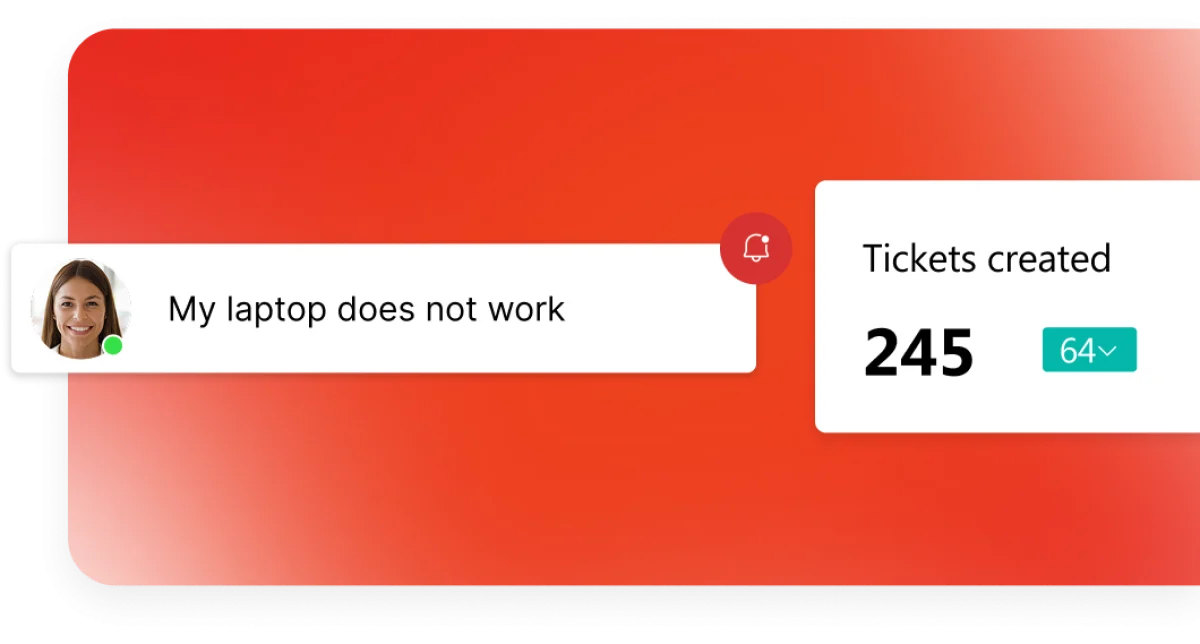
Get ticket summaries and root cause analysis to resolve incidents 36% faster without manual digging.

Turn resolved tickets into helpful articles and keep your documentation up to date without extra effort.
Stay on top of your team's performance with automated summaries of productivity and bottlenecks without any manual reporting.
Break down communication barriers with real-time ticket translation and automated localization of your service catalog.

Integrate with Microsoft Teams, Azure, Intune, Jira, Zabbix, and 30+ other tools your team uses. No complexity. Works seamlessly.

IT Service Management (ITSM) is the way IT services are delivered so they create real value for users and the business. It focuses on clear processes for handling requests, incidents, and changes — so issues are resolved quickly, communication stays transparent, and IT supports business goals instead of slowing them down.
IT Asset Management (ITAM) is a way to keep a clear overview of all IT assets — from purchase to retirement. It tracks what assets you have, where they are, how they are used, and what they cost over time. With this visibility, companies use resources more efficiently, avoid unnecessary spending, and keep IT aligned with business needs.
By combining Service Desk and Asset Management in one ITSM solution, ALVAO gives IT full context for every ticket. Most incidents are tied to specific devices or software and in ALVAO, you see the complete asset history directly with the request. This helps IT understand root causes faster, resolve issues sooner, avoid unnecessary purchases, and keep costs aligned with real business needs. In short: Asset Management shows what you have, Service Desk solves how to fix it.
ALVAO keeps a clear history of incidents, changes, approvals, and asset ownership. Auditors see consistent data, complete records, and traceable decisions.
Yes. Many teams switch to ALVAO because running separate ITSM and ITAM tools creates blind spots and duplicate work. ALVAO connects services and assets in one place, so incidents, changes, and inventory finally match.