Article content
- 1. Knowledge Base – SharePoint integration
- 2. The Service Desk Dashboard is here
- 3. Microsoft Certified Power Automate Connector
- 4. Microsoft Entra ID User Management automation
- 5. User Authentication - multiple Microsoft Entra ID tenants
- 6. New Ticket Form Editor
- 7. Asset Management completely in web application
- 8. Modernized inventory audit solution
- 9. Automatic Content Translation
- 10. Microsoft Copilot Integration
- 11. Intune connector: Shaped by your feedback
- 12. JIRA integration
- 13. Jamf integration
- 14. Freshservice integration
- 15. PREVIEW: Find knowledge in your tickets with AI
- 16. Intelligent self-service searching


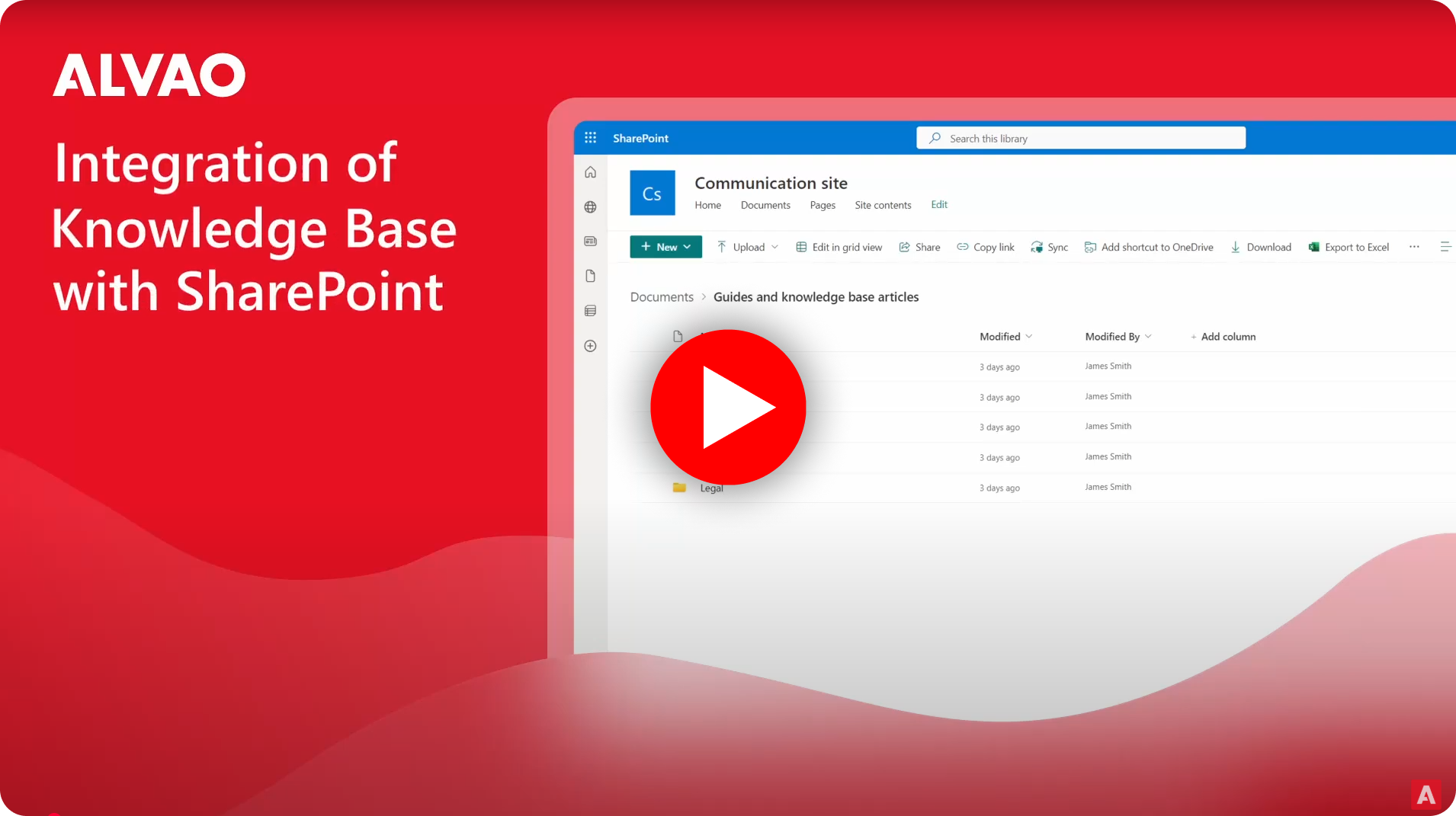
1. Knowledge Base – SharePoint integration
ALVAO Service Desk Knowledge Base is now fully integrated with SharePoint for knowledge sharing and collaboration.
When using the self-service portal, you’ll find information from both the Knowledge Base and SharePoint in one place - no need to visit SharePoint separately to search for articles.
Additionally, when responding to a ticket in the Service Desk, you can quickly add an article from the SharePoint to your reply.
2. The Service Desk Dashboard is here
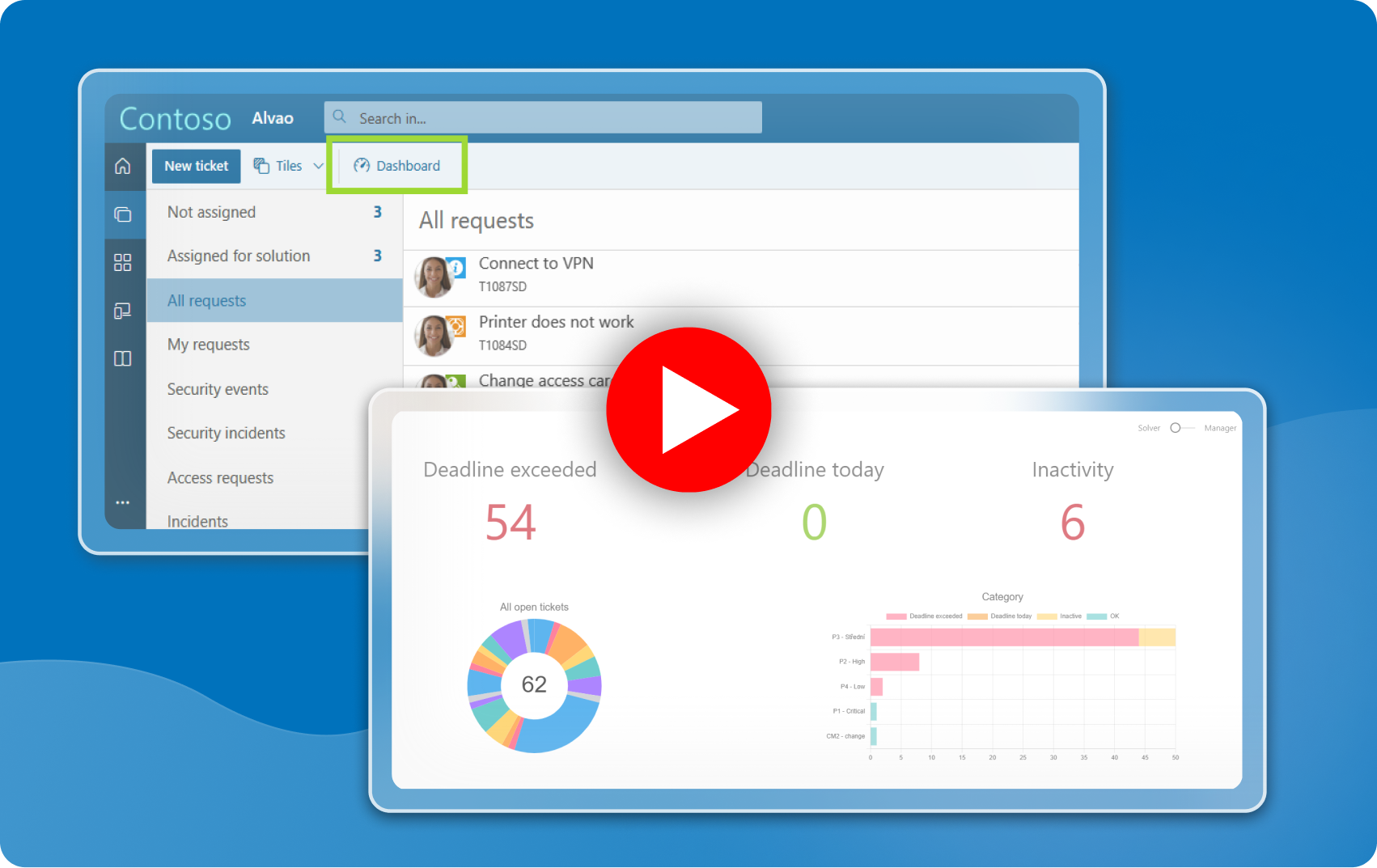
Get a clear overview of upcoming and overdue ticket deadlines directly within the web app. The Dashboard keeps you on track by displaying the number of tickets that have missed their deadlines, those with a deadline today, and those that have been inactive for a while.
A visual summary of all open tickets, displayed in pie and category charts based on SLA, helps you prioritize tasks that need immediate attention.
You can view tickets from both Solver and Manager perspectives, providing insight into how many tickets are assigned to you or your team. This feature is available in Preview.
3. Microsoft Certified Power Automate Connector
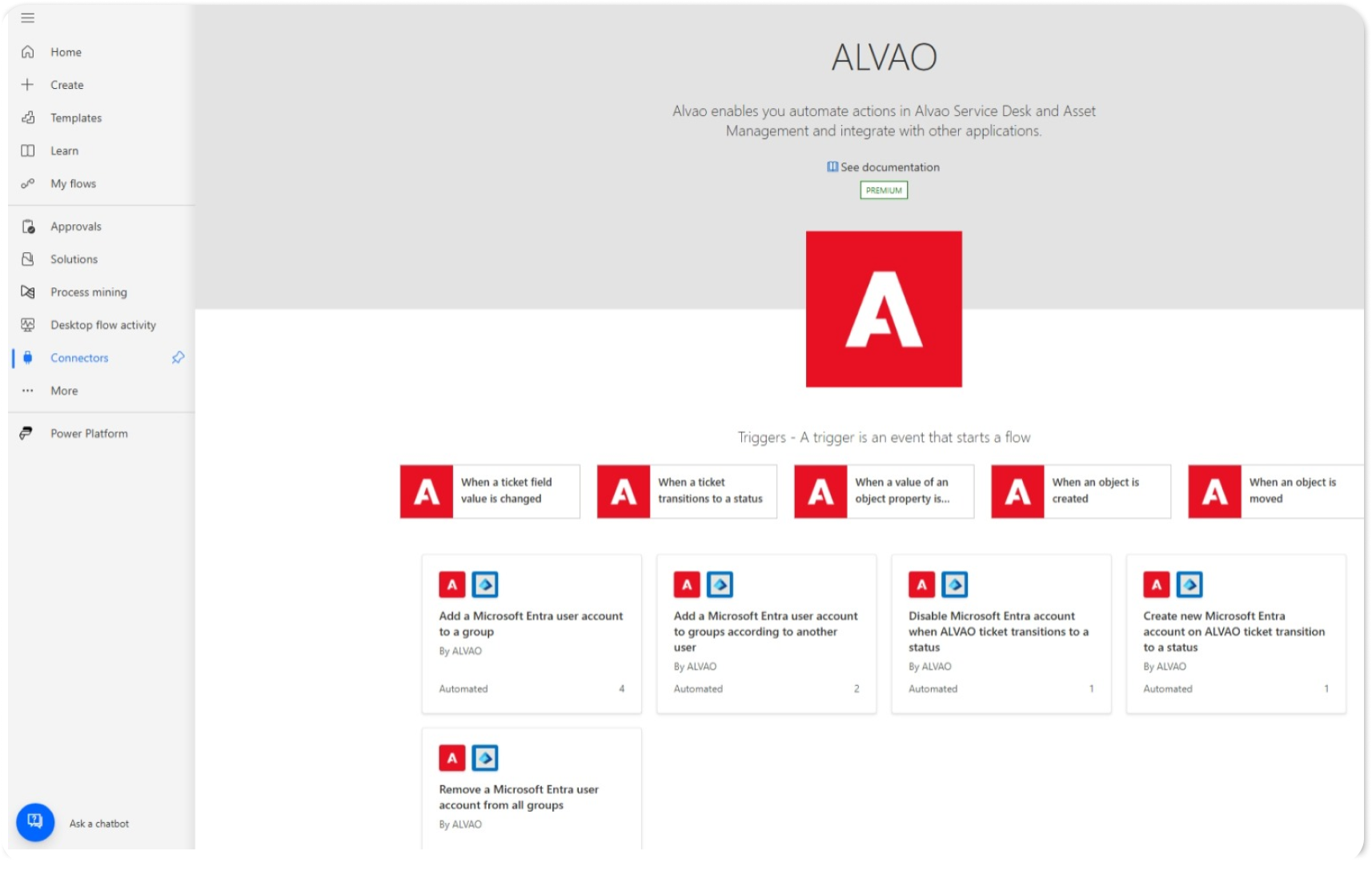
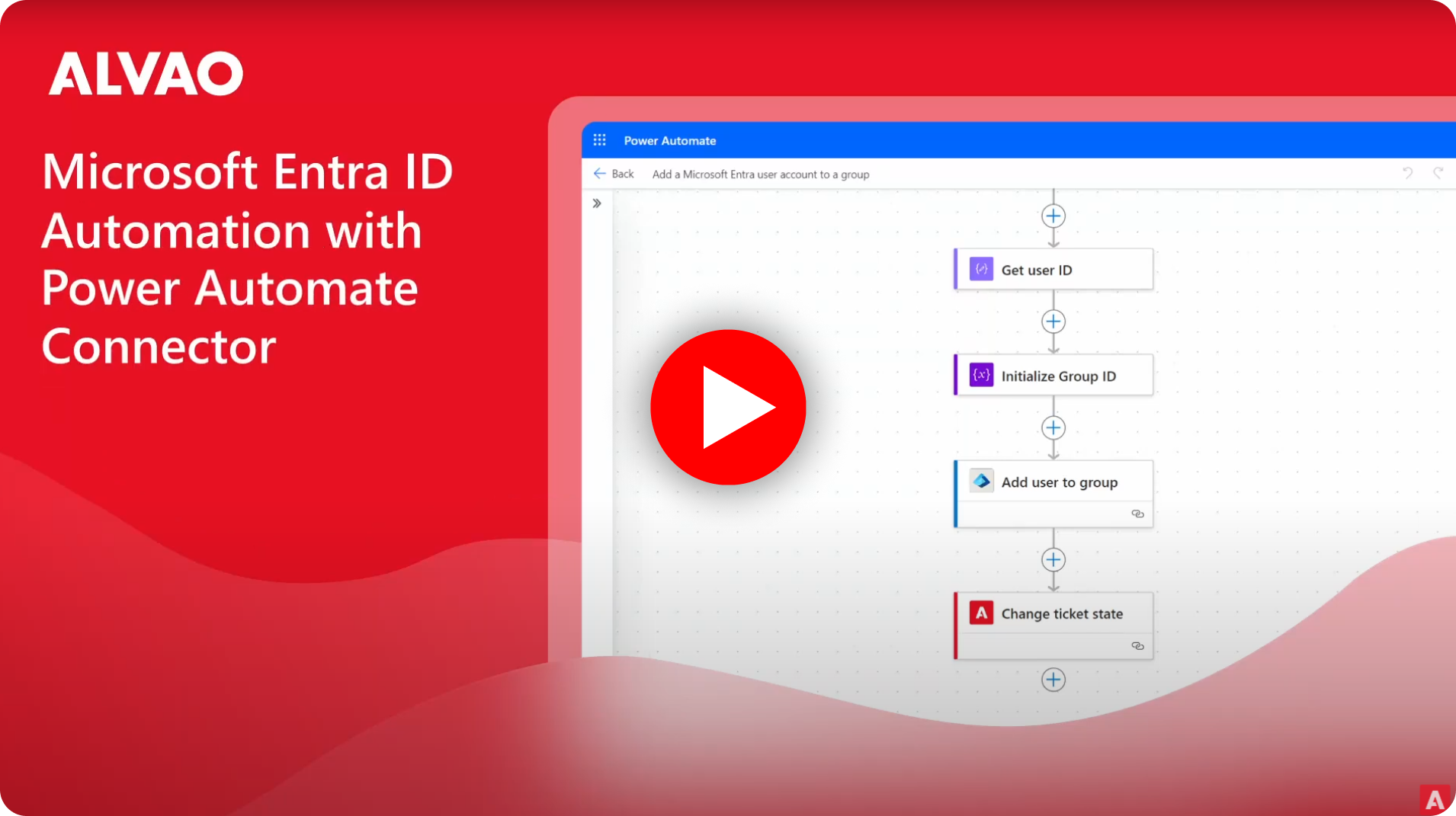
The Microsoft Power Automate Connector for ALVAO has been officially certified, and new ALVAO templates are available. These templates simplify the integration and automation of your IT service management processes, including both Service Desk and Asset Management.
You can create workflows, automate ticket creation, and update asset information and much more, all directly within Power Automate.
4. Microsoft Entra ID User Management automation
Thanks to the Power Automate connector mentioned above, Microsoft Entra ID integration automates User Management. When onboarding a new employee, adding their details to ALVAO triggers Power Automate, which then connects to MS Entra ID and assigns the new team member to predefined groups.
This speeds up ticket resolution for requesters and saves valuable time for your team.
5. User Authentication - multiple Microsoft Entra ID tenants
Microsoft Entra ID now supports multiple tenants allowing authentication across different environments. This enhancement provides greater flexibility and scalability, ensuring that users from various MS Entra ID tenants can easily access resources and services without the need for multiple logins or complex configurations.
6. New Ticket Form Editor
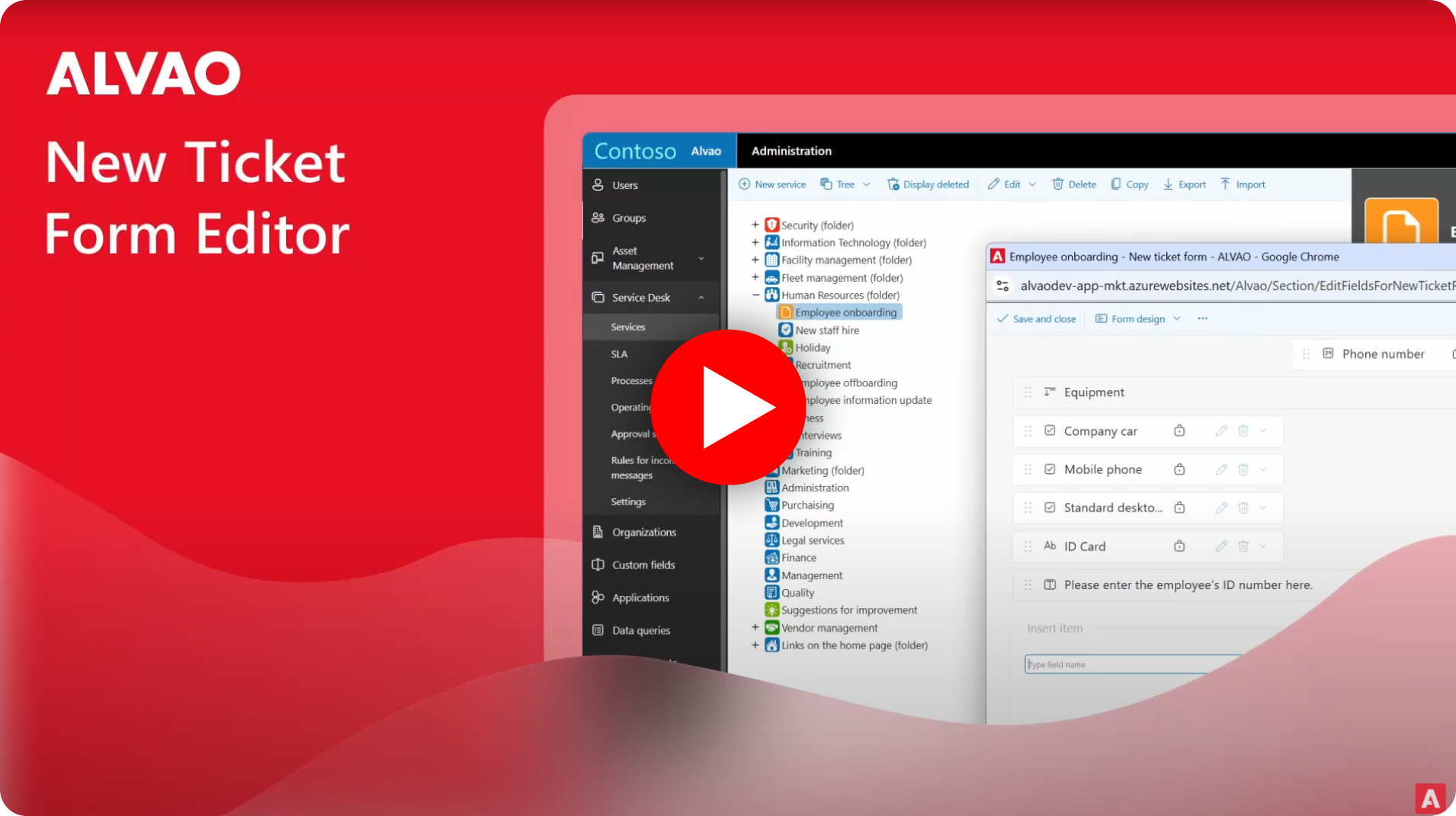
The new Ticket Form Editor makes it easy to customize your Service Desk ticket submission forms. You can quickly add and rearrange fields into two columns by simply dragging and dropping items in the Editor, and the changes will be reflected for the user in the Service Catalogue.
7. Asset Management completely in web application
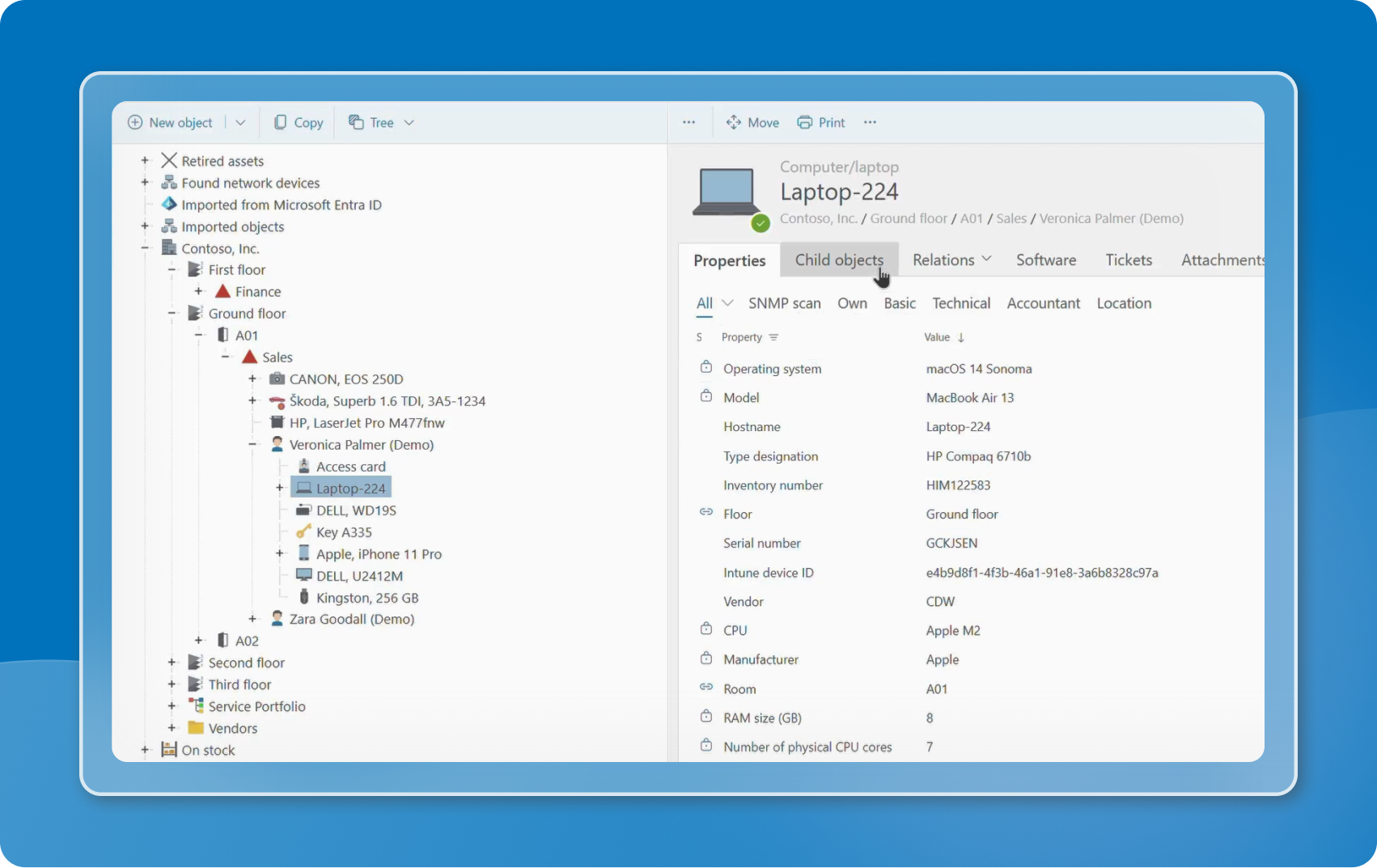
Asset Management, once available only in the desktop application, is now fully integrated into the web app. This transition makes managing your assets faster, smoother, and more efficient.
With a more intuitive interface, you can now access and update your assets with ease, saving valuable time.
8. Modernized inventory audit solution
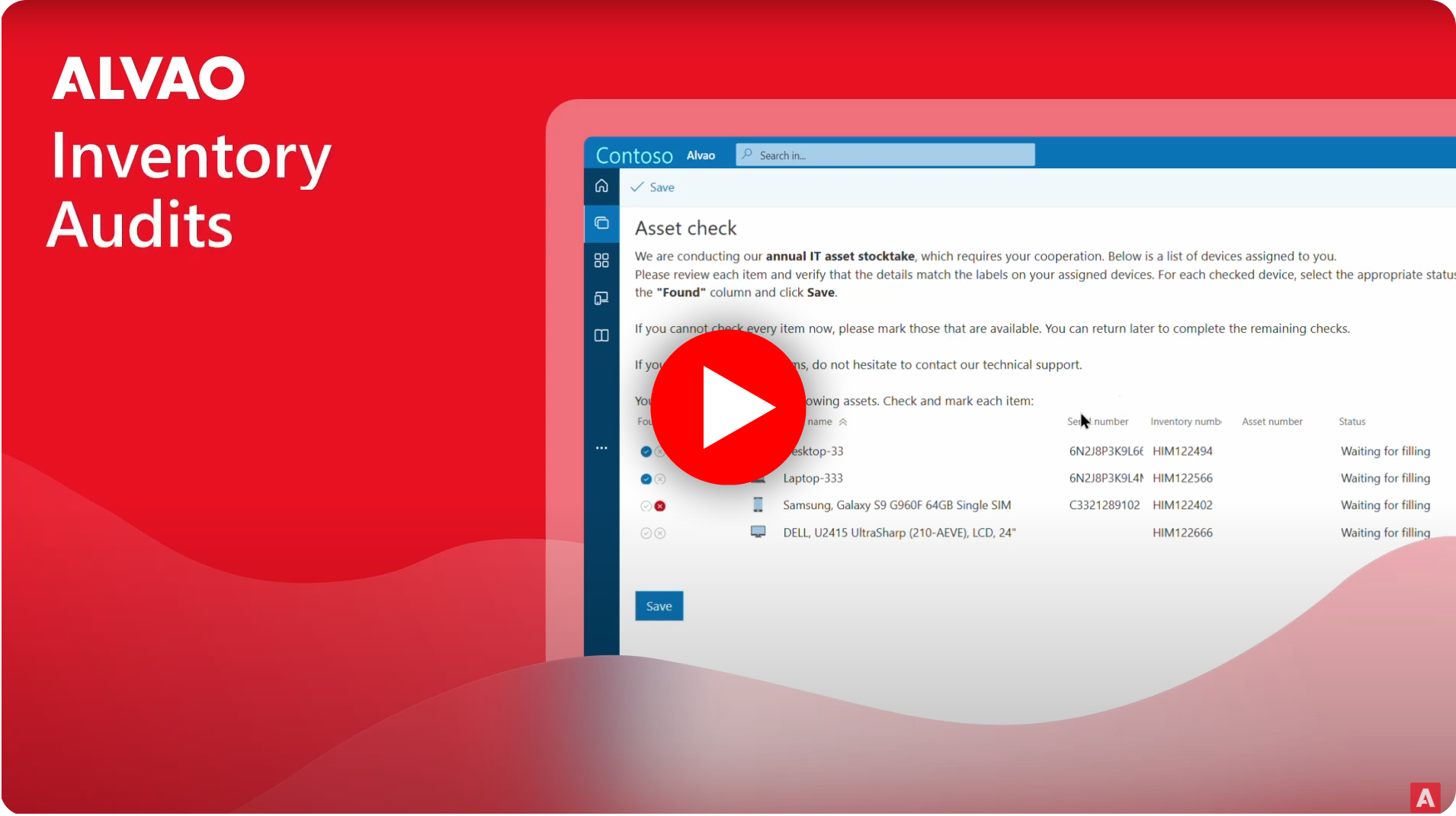
With ALVAO, you get an innovative asset audit tool. Audit 90% of your assets with just 10% of the effort using our web-based platform. The remaining 10% can be verified with a quick physical inspection using mobile app.
This modernization simplifies the inventory process, making it easier for administrators to start and evaluate audits.
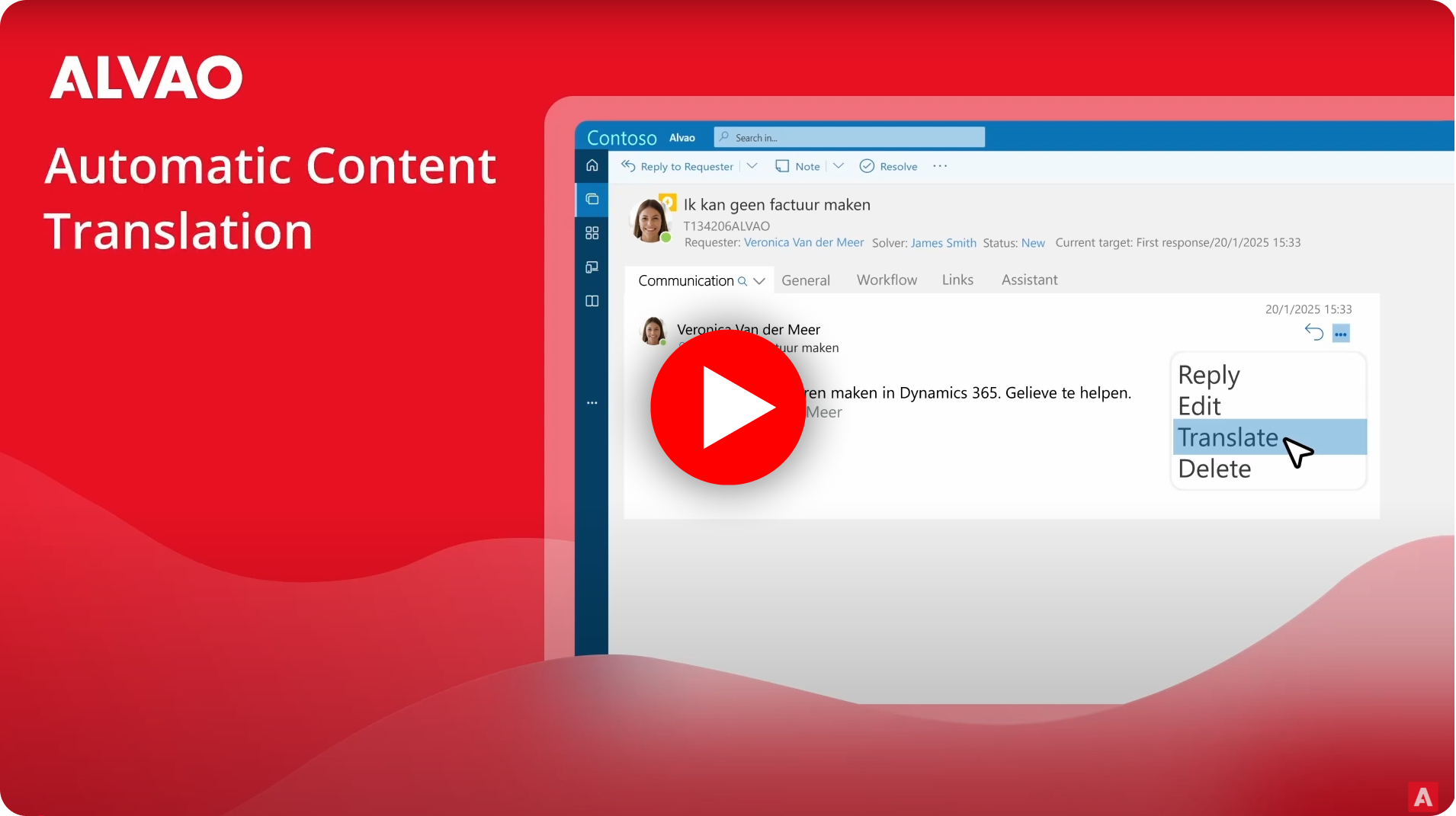
9. Automatic Content Translation
Based on the latest feedback, we are introducing Automatic Content Translation for the Service Catalogue, including tickets, Knowledge Base articles, News and Notifications, Custom Ticket fields, and language mapping. The translation is powered by Azure AI.
10. Microsoft Copilot Integration
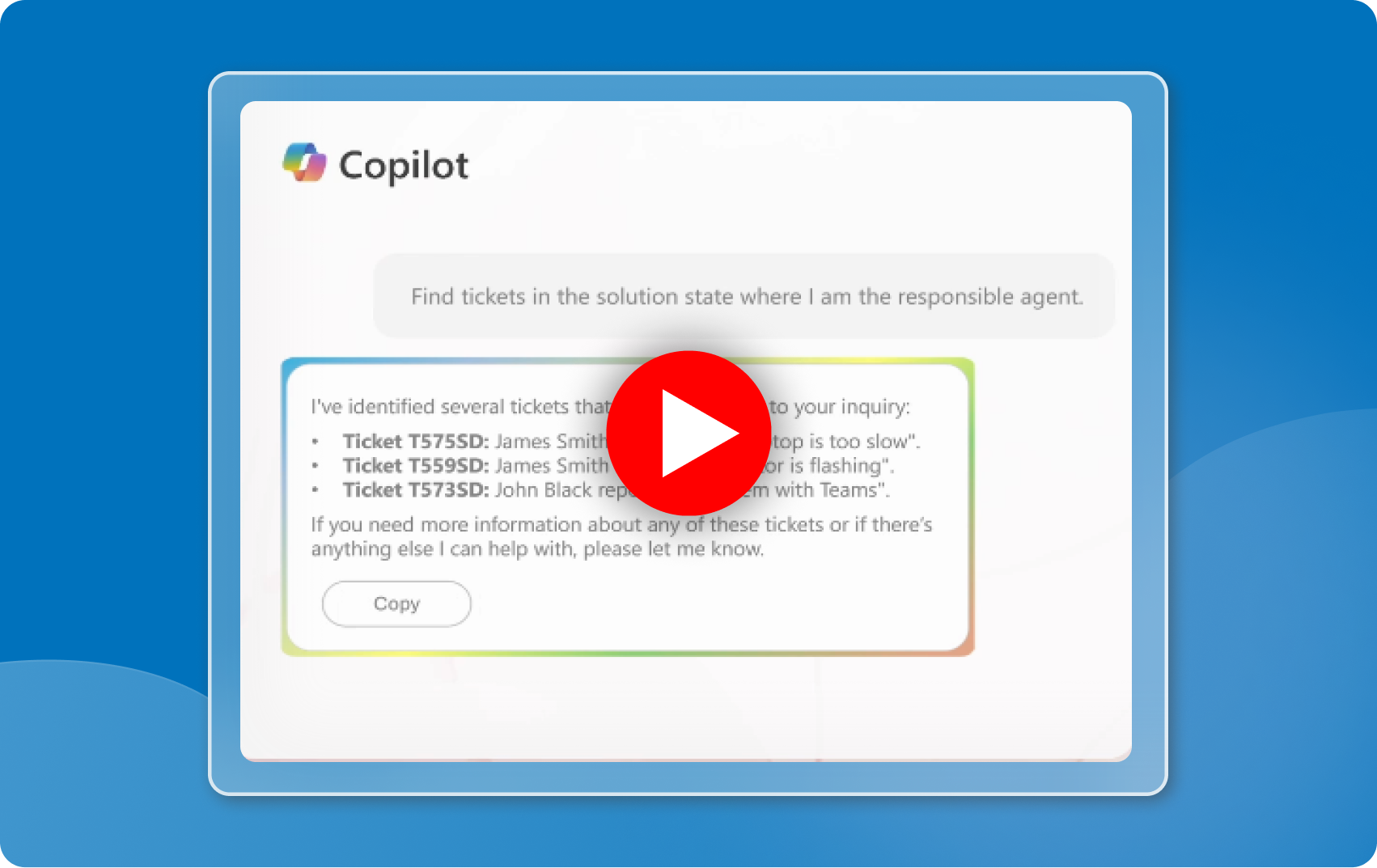
ALVAO as part of Microsoft ecosystem is integrated with Microsoft Copilot. This integration allows you to access Service Desk information directly within Microsoft Teams. You can easily search for different ticket attributes to make your ticket management easier. Reduce manual effort and optimize Service management with your favorite AI companion.
11. Intune connector: Shaped by your feedback
The Intune connector now meets the latest customer requirements, allowing you to filter asset upload by asset category while ensuring private assets are excluded. It’s also integrated with Windows Autopilot for easy uploads.
12. JIRA integration
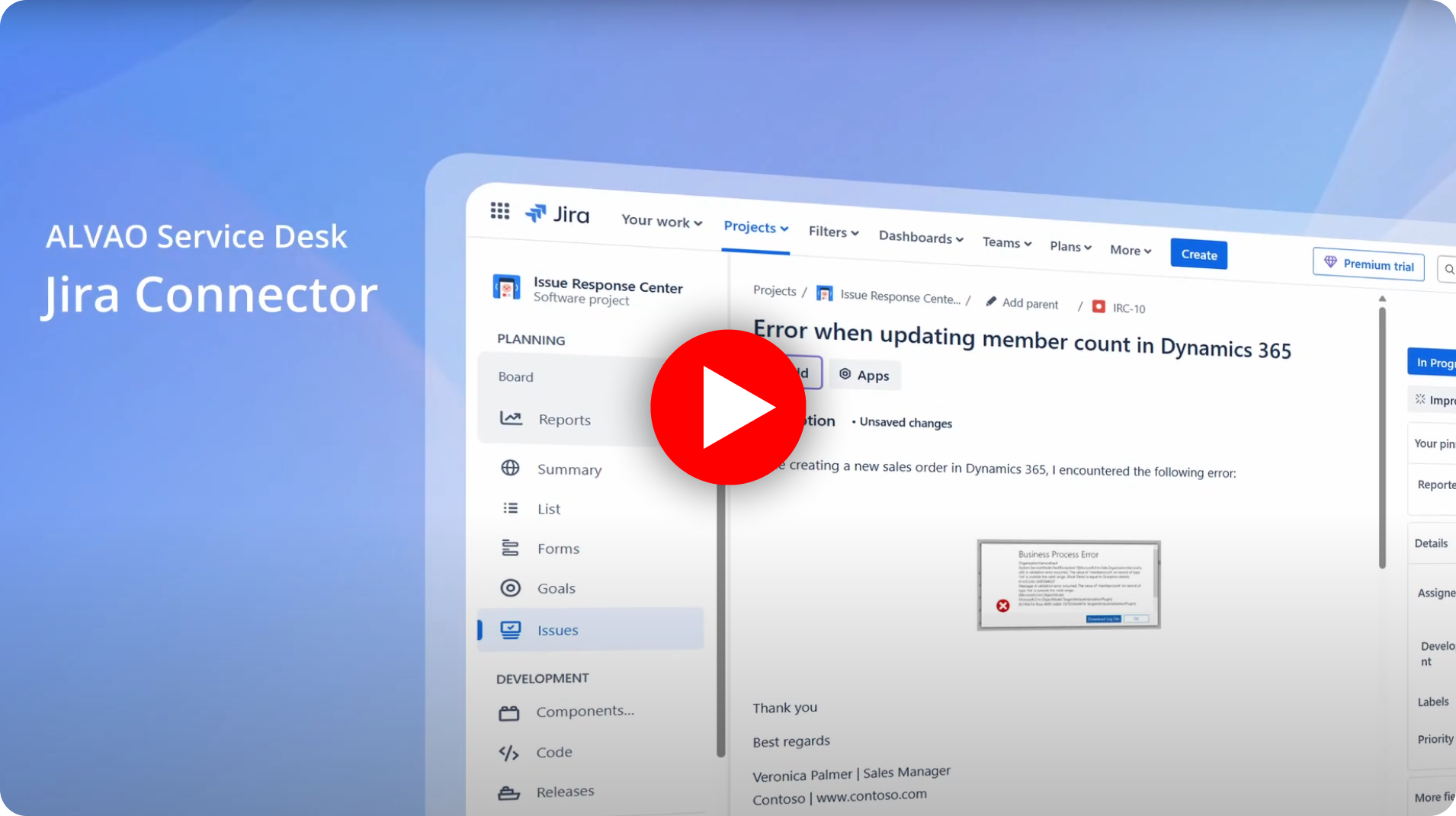
ALVAO Service Desk is now integrated with JIRA, enabling information exchange between both systems. Requests from ALVAO are automatically transferred to JIRA, and vice versa, providing technicians with all relevant details when addressing issues.
Any updates made in either ALVAO or JIRA are synchronized in real time, ensuring both systems remain up to date.
13. Jamf integration
ALVAO Asset Management and Jamf are integrated, enabling synchronization between asset and endpoint management. This integration automatically imports asset data such as device details, ownership, and status into ALVAO, creating a unified view of all managed devices.
When a ticket in ALVAO is created, relevant asset information is instantly accessible, ensuring IT teams have the necessary details to resolve issues more quickly.

14. Freshservice integration
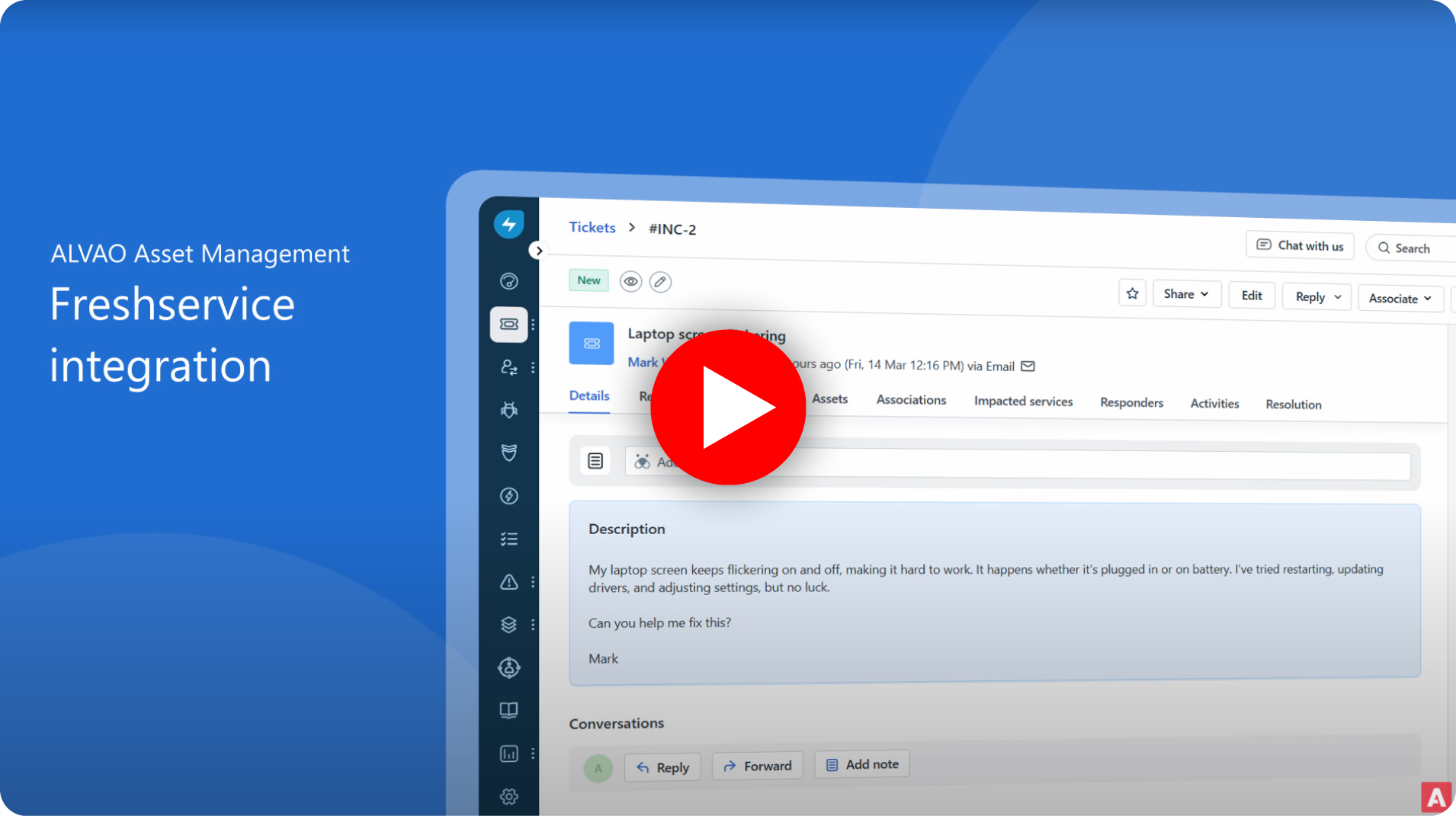
Integration between ALVAO Asset Management and Freshservice provides a connection between asset tracking and IT service management. With this integration, asset data such as hardware, warranty information, and usage history from ALVAO is linked to Freshservice tickets.
This means that when a support ticket is created in Freshservice, relevant asset information is instantly accessible, allowing technicians to quickly identify affected devices and resolve issues more efficiently.
15. PREVIEW: Find knowledge in your tickets with AI
The AI analyzes tickets in ALVAO to identify common recurring issues, suggesting areas where knowledge base articles would be valuable to create. This aims to improve the availability and quality of information for users. The AI Assistant notifies the support team when a repetitive topic arises, suggesting it’s time to create a knowledge base article. AI Assistant even recommends the content for the article. The new feature is available only in test preview, request access and try it out!
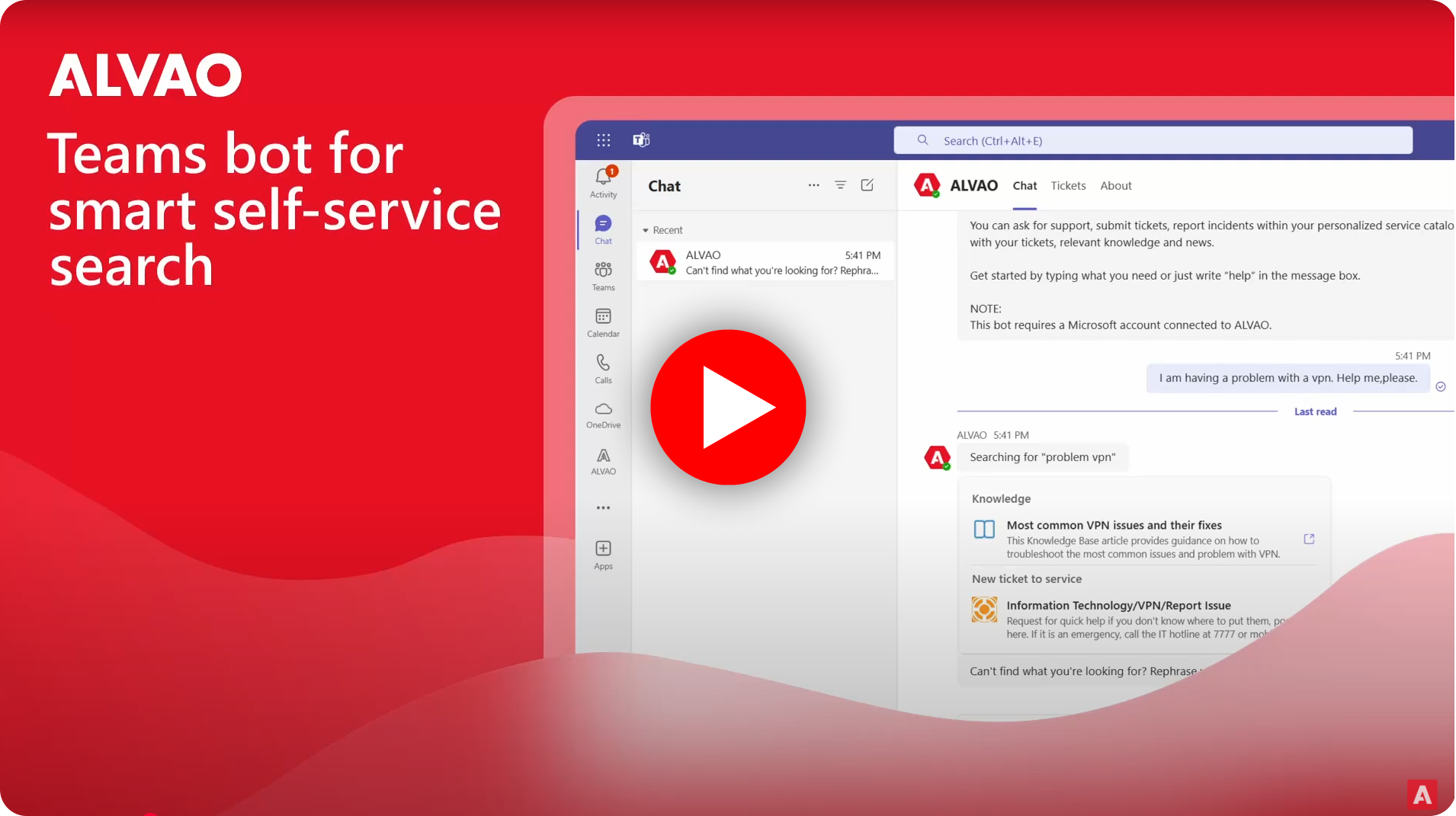
16. Intelligent self-service searching
With our intelligent search functionality, you can now simply write in natural language, and ALVAO will deliver more relevant results than ever before. Whether using the Self-Service Portal or the ALVAO Bot in Teams, finding the solutions you need is now faster and more intuitive.