


Who is this for?
This comparison is for IT administrators, IT managers, and small IT teams who are evaluating free asset management tools. If you manage between 10 and 500 devices and aren't ready to commit to a paid ITAM platform, this comparison will help you find the right starting point. We focus only on tools that are genuinely free, either open-source or with a usable free tier, not trials disguised as free plans.
What great free ITAM Software should provide
Free plans are never “everything included.” But the good ones still cover the essentials:
1. Asset lifecycle management
This means tracking an asset from the moment it's purchased to the moment it's retired or disposed of. A good free ITAM tool should let you record procurement details, assign the asset to a user or location, track any changes in status or ownership over time, and log when it's decommissioned.
2. Clear inventory and ownership
You need to know what you own, who is using it, and where it is at any given time. Good ITAM software makes ownership visible, keeps it current, and flags gaps automatically.
3. Basic automation
You don't need complex workflows on a free plan, but some level of automation is the difference between a tool your team actually maintains and one that goes stale within three months.
4. Integrations
Even limited ones matter. If your organization uses Microsoft 365, being able to pull device data from Intune rather than entering it manually saves hours and reduces errors. If you use a help desk tool, connecting it to your asset database means technicians can see the full history of a device without switching systems.
5. Reporting and audit trail
A clean history of every asset is the foundation of both internal accountability and external compliance. Who had this device? When was it last serviced? Has the software on it been accounted for in your license count? Free tools vary widely here, some offer rich exportable reports, others give you a basic list with no history. If you ever need to pass an IT audit or demonstrate compliance with ISO 27001 or similar frameworks, the audit trail is not optional.
Free tools usually come in 3 different models:
- Open-source - free as in no license fee, but self-hosted and self-managed
- Limited free tier - vendor-managed but restricted by features or asset count
- Entry commercial plan - still paid/managed, just the lowest tier
What does it mean in practice? You save money upfront, but you pay with time, limits or missing features later.
The Best Free IT Asset Management Tools (2026)
1. ALVAO Free Plan
Best for: ALVAO Free Plan is best managed free ITAM for Microsoft environment. Great for small IT teams tracking their assets in Excel or not at all.
Model: Limited free-tier
Hosting model: Cloud (vendor-managed)
What it includes:
- Full lifecycle tracking from procurement to retirement.
- Clear ownership and asset history for audit readiness.
- Native Microsoft Intune + Entra ID integration.
- ALVAO Autopilot for automatic asset structure.
- No setup complexity.
- Email notifications and alerts.
- Free forever.
Free plan limits:
- Up to 50 computers and 200 assets.
- Limited integrations.
ALVAO Free plan vs. Excel comparison
 |  | |
| Asset Management |  |  |
| Reporting & Analysis |  | |
| Asset Lifecycle Management |  | |
| Intune Integration | | |
| Entra ID Integration | | |
| Audit Readiness | | |
| Automated Asset Discovery | | |
| Audit Trail & Compliance Reporting | | |
| E-mail Notifications & Alerts | | |
Interested in ALVAO Free Plan? Learn more details here.
2. Snipe-IT
Best for: Technical teams comfortable with self-hosting who need deep customization.
Snipe-IT is popular open-source ITAM, with a large community and active development. It's free to self-host, and a cloud-hosted option exists at a cost.
Model: Open-source
Hosting model: Self-hosted (Linux/Docker) or paid cloud
Free plan limits:
- Unlimited number of assets.
- Requires self-hosting (Linux/Docker).
- No built-in Entra ID or Intune integration.
- Setup and maintenance burden falls on your team.
- Cloud hosting (snipeitapp.com) is paid.
- No native help desk/service desk module.
Snipe-IT cons according to Capterra: missing features, occasional bugs, limited support, and few third-party integrations.
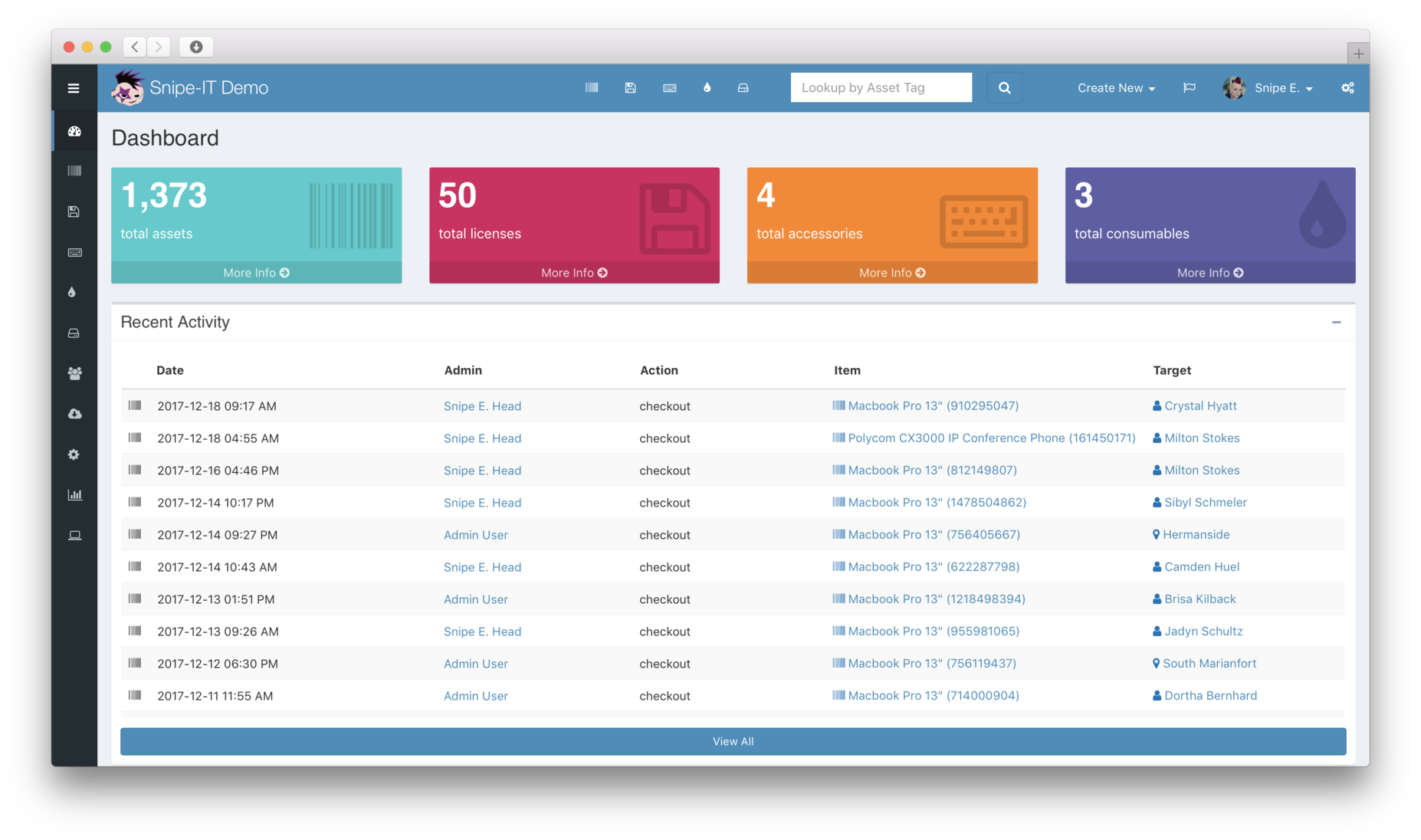 Source: snipeitapp.com
3. Asset Tiger
Asset Tiger is cloud-based IT Asset Management software.
Best for: Very small teams or non-profits needing basic barcode-driven asset tracking
Model: Limited free tier
Hosting model: Cloud (vendor-managed)
Free plan limits:
- Up to 250 assets and 2 users.
- Limited integration options.
- Limited lifecycle management depth.
- Missing Intune or Entra ID Integration.
Asset Tiger cons: According to Capterra reviews, users note a less intuitive interface and limited integration options compared to competitors.
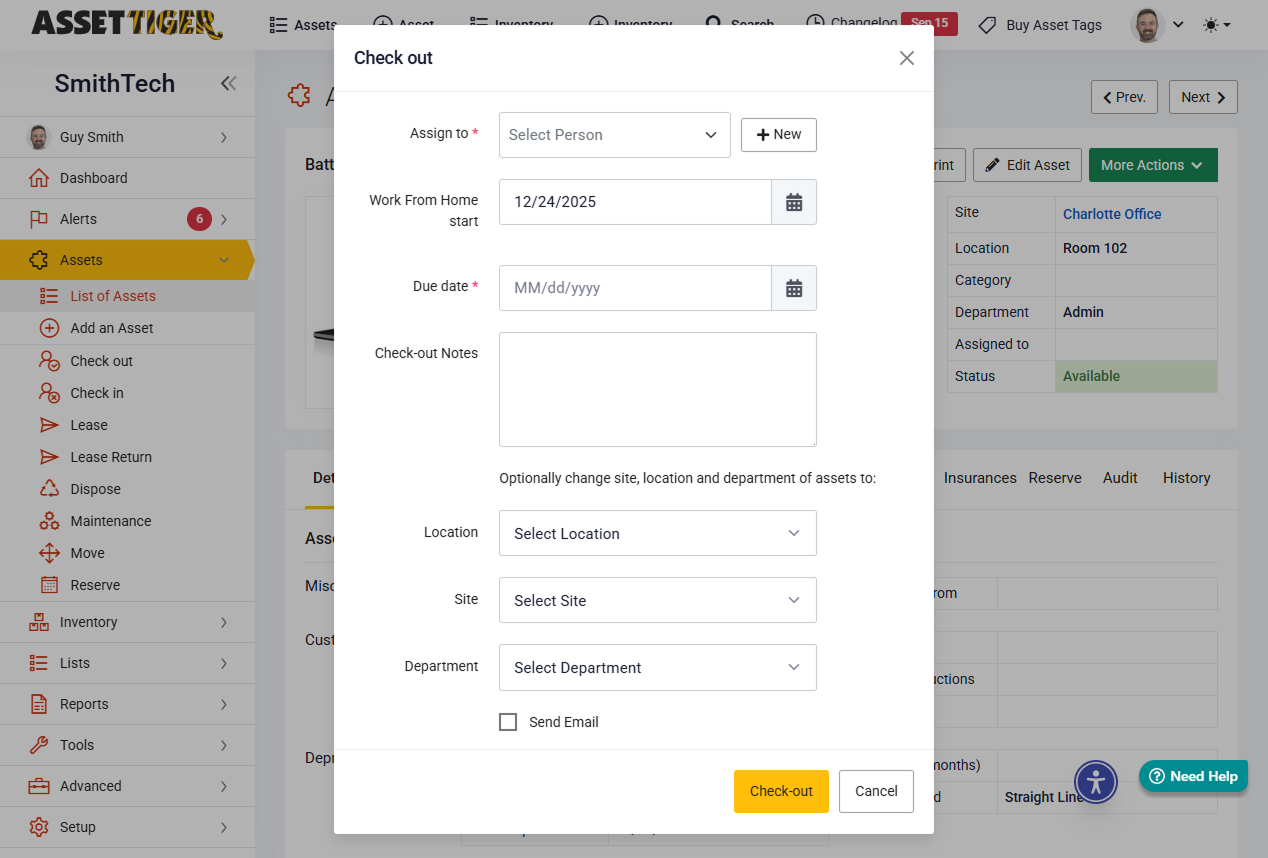 Source: Assettiger.com
4. BlueTally
BlueTally is a cloud-based ITAM tool built to make asset tracking and management straightforward for organizations.
Best for: Small teams wanting a user-friendly cloud ITAM
Model: Limited free tier
Hosting model: Cloud (vendor-managed)
What it includes:
- Asset assignment and ownership tracking
- Software license tracking
- Native Intune integration for automatic device import
- Jamf integration for Apple device management
- Warranty tracking with Dell and Lenovo warranty services
- Check-in/check-out workflows
Free plan limits:
- Up to 50 assets.
BlueTally cons: According to Capterra reviews, users mention a steep pricing jump and limited customization options.
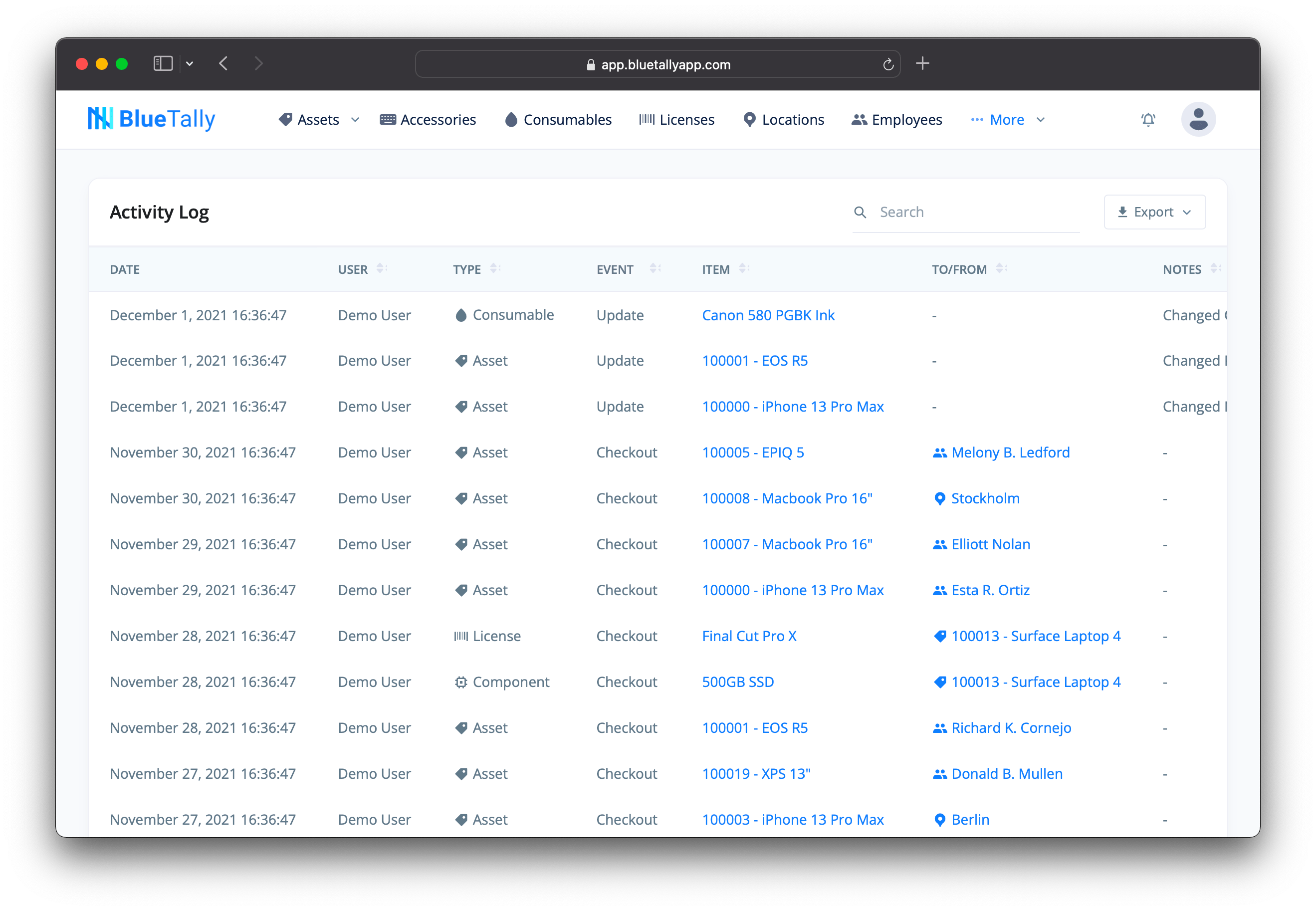 Source: Capterra.com
5. Spiceworks
Spiceworks Inventory is a free, on-premises IT asset management tool for small and medium-sized businesses. Note: official support and development were discontinued in June 2021.
Best for: IT admins who need fast, automatic network discovery with zero cost.
Model: On-premise
Hosting model: Self-hosted (Windows only, discontinued)
What it includes:
- Automatic network scanning.
- Detailed asset data.
- Reporting.
Free plan limits:
- Unlimited number of assets.
- Support and development for on-premise ended in 2021.
- Absence of support, no further updates and security patches.
- No Entra ID integration.
Spiceworks cons: User reviews on Capterra mention discontinued support, limited scalability and advertisements in UI.
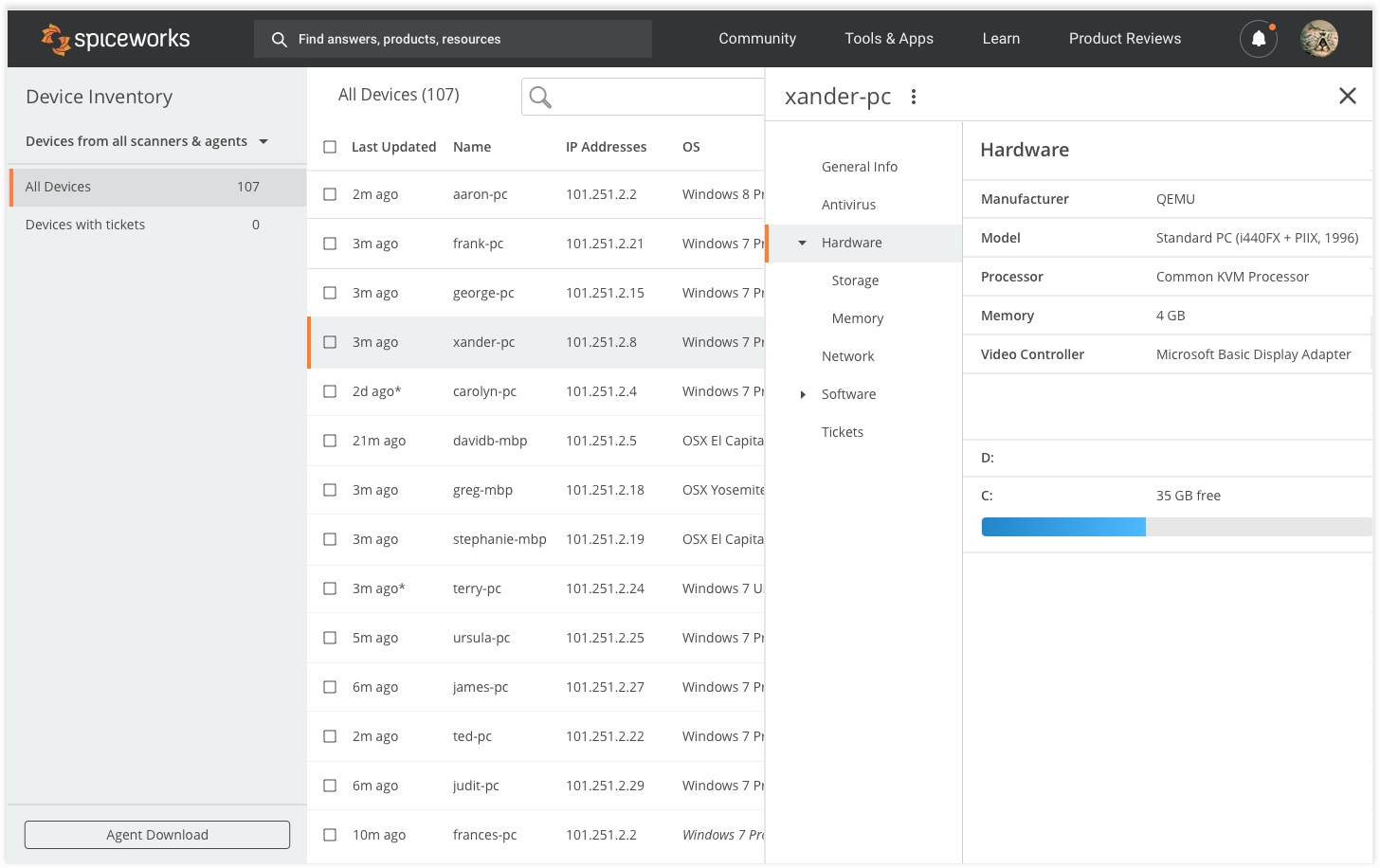 Source: Spiceworks.com
How to choose the right free ITAM tool
The right free ITAM tool depends on three things: how many assets you manage, whether your team runs Microsoft 365, and whether you have the technical capacity to self-host and maintain a server.
A good starting point is to ask three questions before choosing: How many assets do I need to track today, and how many in a year? Does my team have the time and skills to self-host and maintain a server? And do I need the tool to connect to systems we already use, like Microsoft Intune or a help desk?
The answers will narrow the field quickly. Most teams will land on one or two realistic options rather than five.
Ready to get started?
ALVAO Free Plan is free forever, requires no credit card, and takes your asset tracking from zero to audit-ready in hours. Start now.