


What is Power Automate?
To put it simply, Power Automate is a tool to automate processes. It’s a Microsoft cloud service that helps automate workflows between apps and services.
You can create automated workflows for repetitive tasks, and the great thing is that Power Automate can connect multiple apps, including Microsoft 365, SharePoint, and more.
On the other hand, the Power Automate Connector allows you to connect external software like ALVAO to Power Automate.
Get your data ready for Power Automate
Remember, you can only automate what you can clearly track and manage. Some companies track their data and IT assets in various Excel sheets, which inevitably leads to chaos. ALVAO’s Service Desk and Asset Management provide a single source of truth for your IT data - the foundation on which Power Automate builds.
With all key information in one place, creating useful and accurate workflows becomes much easier.
So, how can Power Automate help you automate tasks? Let’s see a few examples:
- Employee Onboarding and Offboarding: Is an employee leaving the company, or is there a new hire? These processes are usually the same each time. Automate repetitive tasks like activating and deactivating user accounts across various systems, ensuring that employees lose access to systems when they leave. With Power Automate Connector and ALVAO in hand, you can be sure your company remains secure.
- Password Reset Automation: Did a user forget their password? An automated workflow enables users to securely reset passwords without IT team intervention which reduces IT support workload.
- Microsoft Entra ID Automation: You can manage user identities and access rights efficiently, ensuring compliance and security across all platforms.
- Automated Updates in ERP: Automatically update IT asset records in Dynamics 365 whenever an IT asset change location or ownership, eliminating manual status updates and ensuring accurate lifecycle tracking.
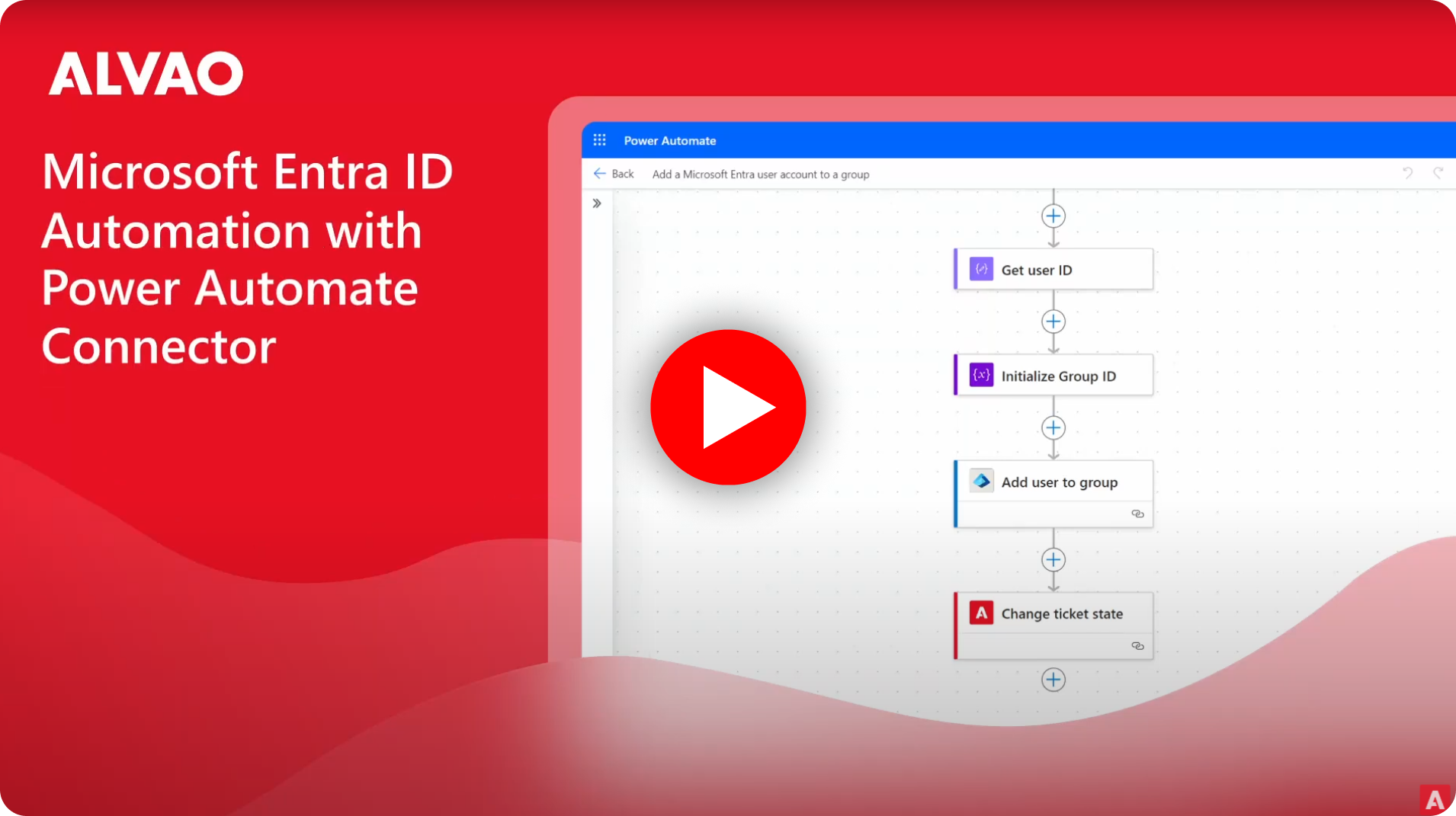
Automation with ALVAO Pre-Built Flow Templates
To simplify the automation process even further, ALVAO offers a variety of pre-built flow templates. These templates are designed to address common IT scenarios, reducing the need for custom development and accelerating deployment times.
These templates make the integration and automation of IT Service Management (both IT Asset Management and Service Desk) easier.
Once the trigger is activated, the Power Automate initiates the setup flow automatically.

How Microsoft Entra ID Automation smooths the process
Thanks to Power Automate and the use of Microsoft Entra ID, ALVAO customers can easily automate tasks such as creating user accounts, updating employee profiles, or removing access when someone leaves the company.
For example, when a new employee joins, entering their details into ALVAO automatically triggers a process in Power Automate, which then connects to Entra ID using the Power Automate Connector, creates the user account, sets its manager and assigns the employee to the correct groups.
This helps with onboarding and offboarding activities, ensures consistency, and reduces the risk of human error.
Managing Multiple Microsoft Entra ID Tenants
For organizations managing accounts across multiple tenants, the process can be complex and time-consuming. However, ALVAO’s integration with Power Automate simplifies this by centralizing automation through Microsoft Entra ID’s multi-tenant support. This reduces the administrative workload and helps maintain consistent policies across the organization.
Putting Automation into Action
The integration of ALVAO's Service Desk and Asset Management solutions with the Microsoft Power Automate Connector provides IT managers with a valuable tool to simplify tasks. From centralized data management to automation, this collaboration helps your company improve IT processes, reduce errors, and focus on key priorities.
Would you like to know more about automating processes with Power Automate Integration in ALVAO? Get in touch with our consultants.
BOOK DEMO